Showing posts with label photoshp. Show all posts
Showing posts with label photoshp. Show all posts
Thursday, April 2, 2015
creating,
dreamy,
image,
in,
photoshp
0
comments
Creating Dreamy Image in photoshp
Creating Dreamy Images in Photoshop
Final View
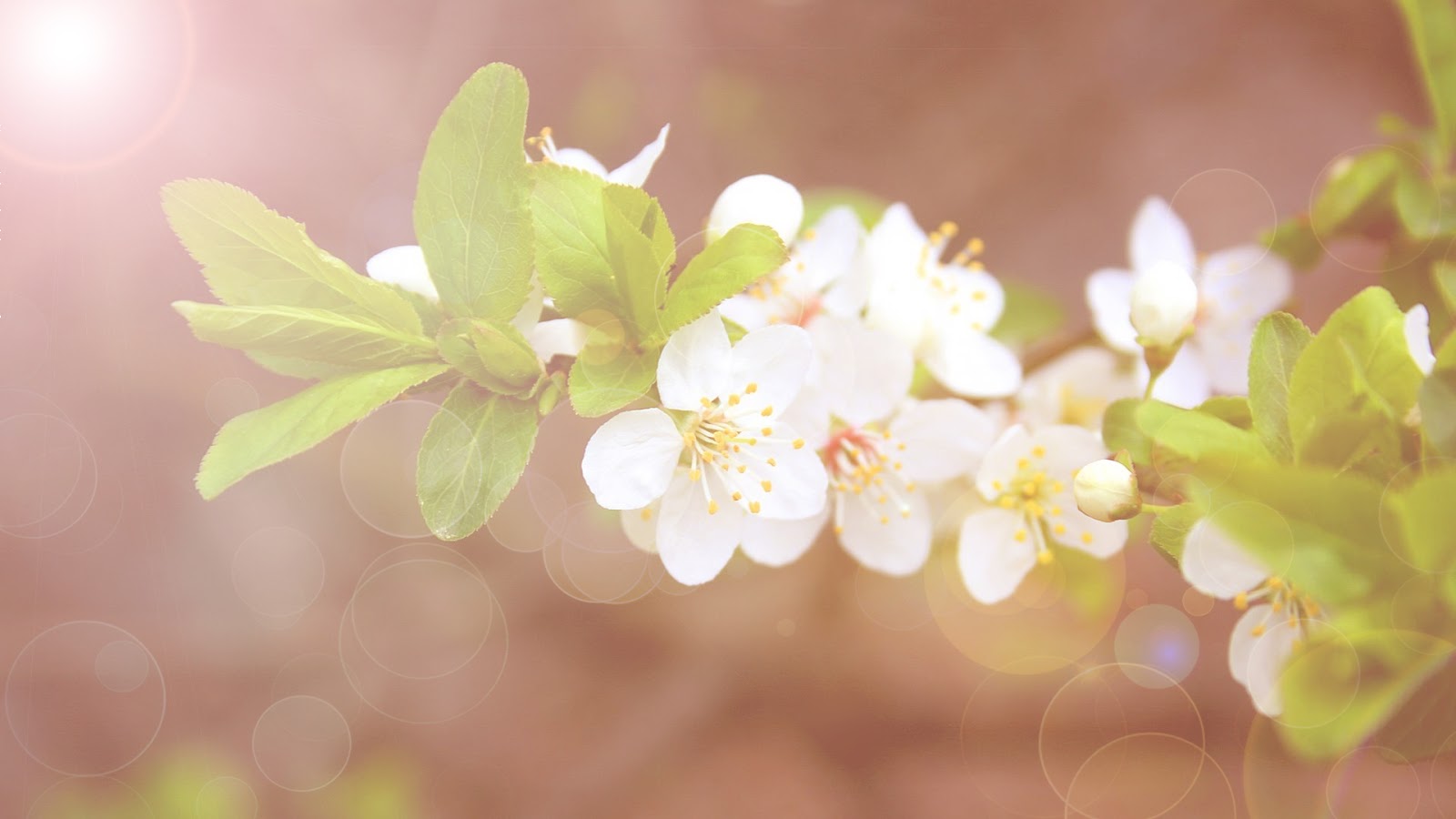
Dreamy Photo gives images a soft romantic feel. This is a superb effect for enhancing photography..
Step 1
Take a image in photoshop to make it dreamy.. (Click Here to see this photo)
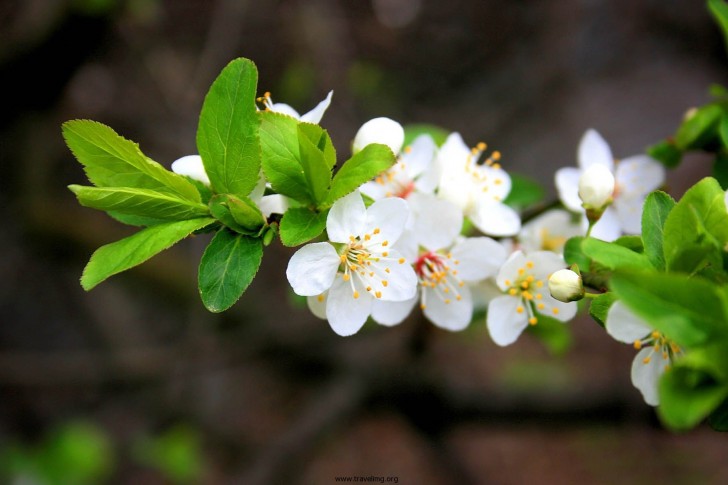
- Create a new layer (Ctrl+Shft+N).
- paint the background with black color..
- Go to Filter ---> Render ---> Lens Flare , and drop a lens from left top to right bottom.
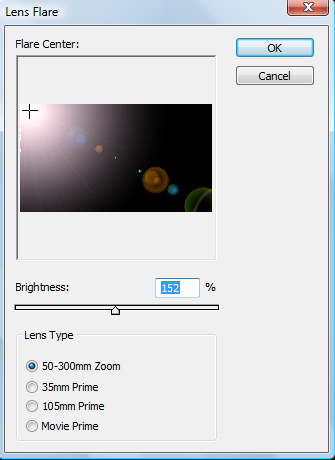
Hit OK
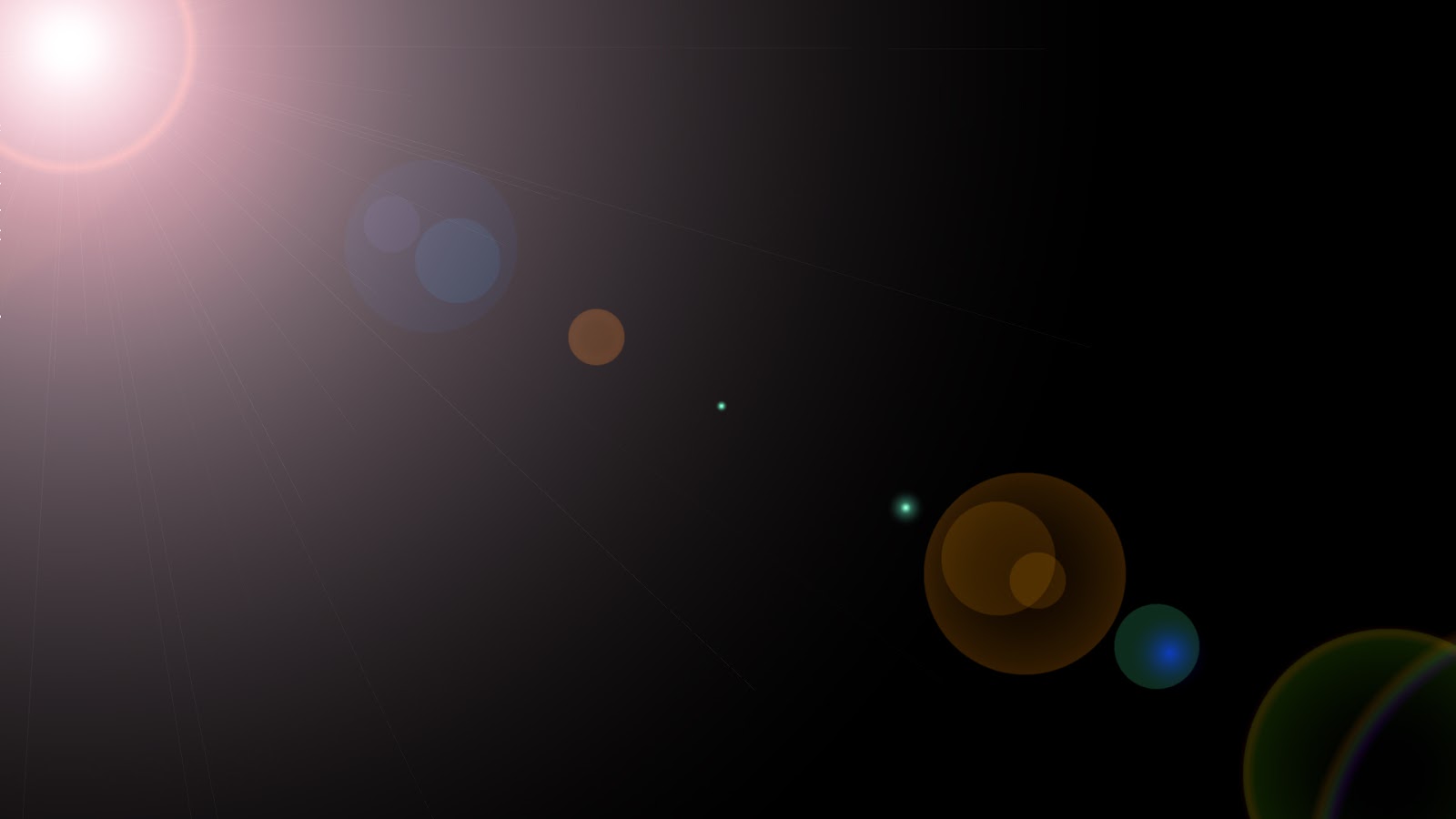
- Set this layers mode to Screen.
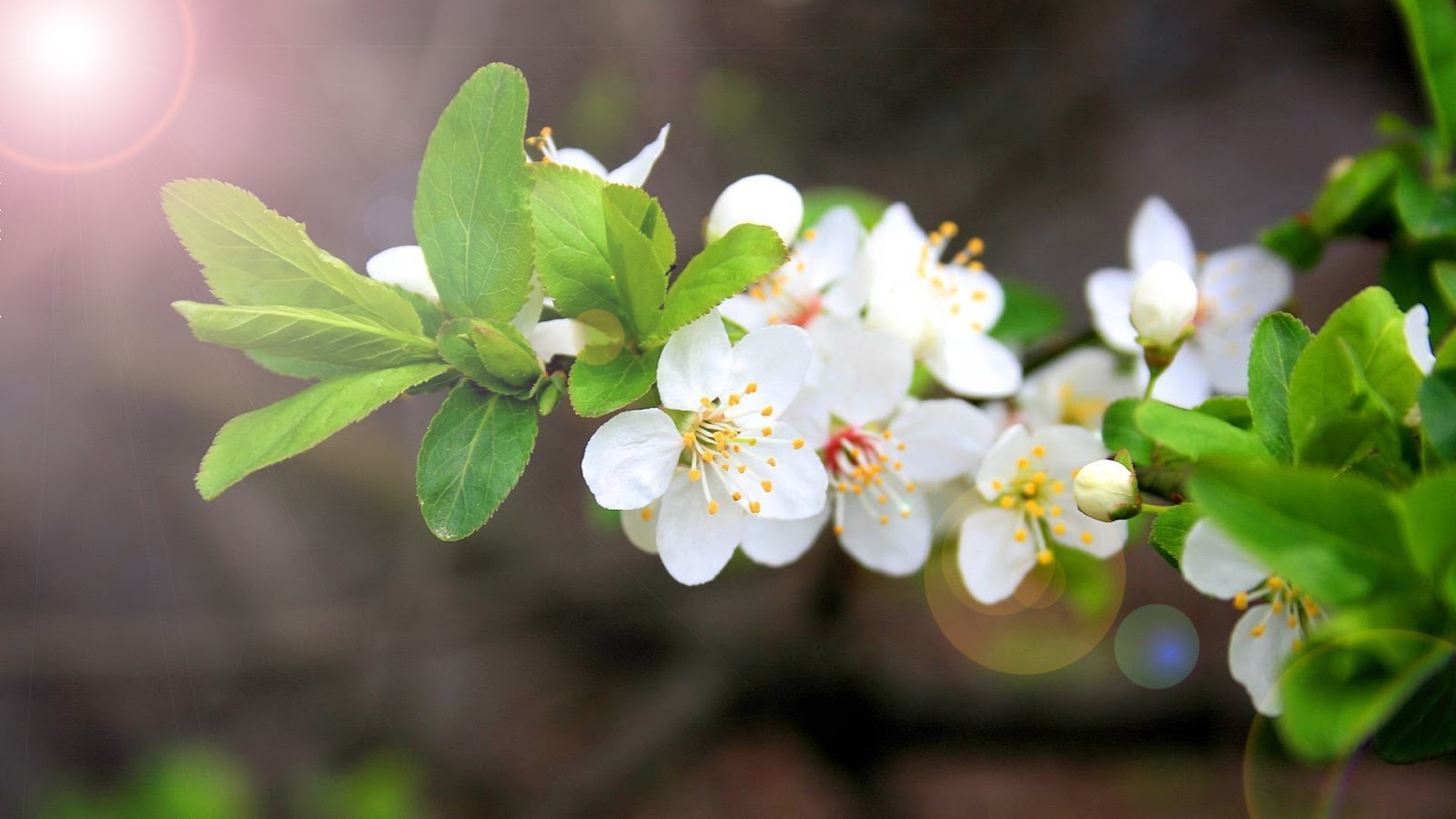
- Now get one Bokeh type image. and take it in to the project..

- Make this layers mode to Screen and set opacity to 30%.
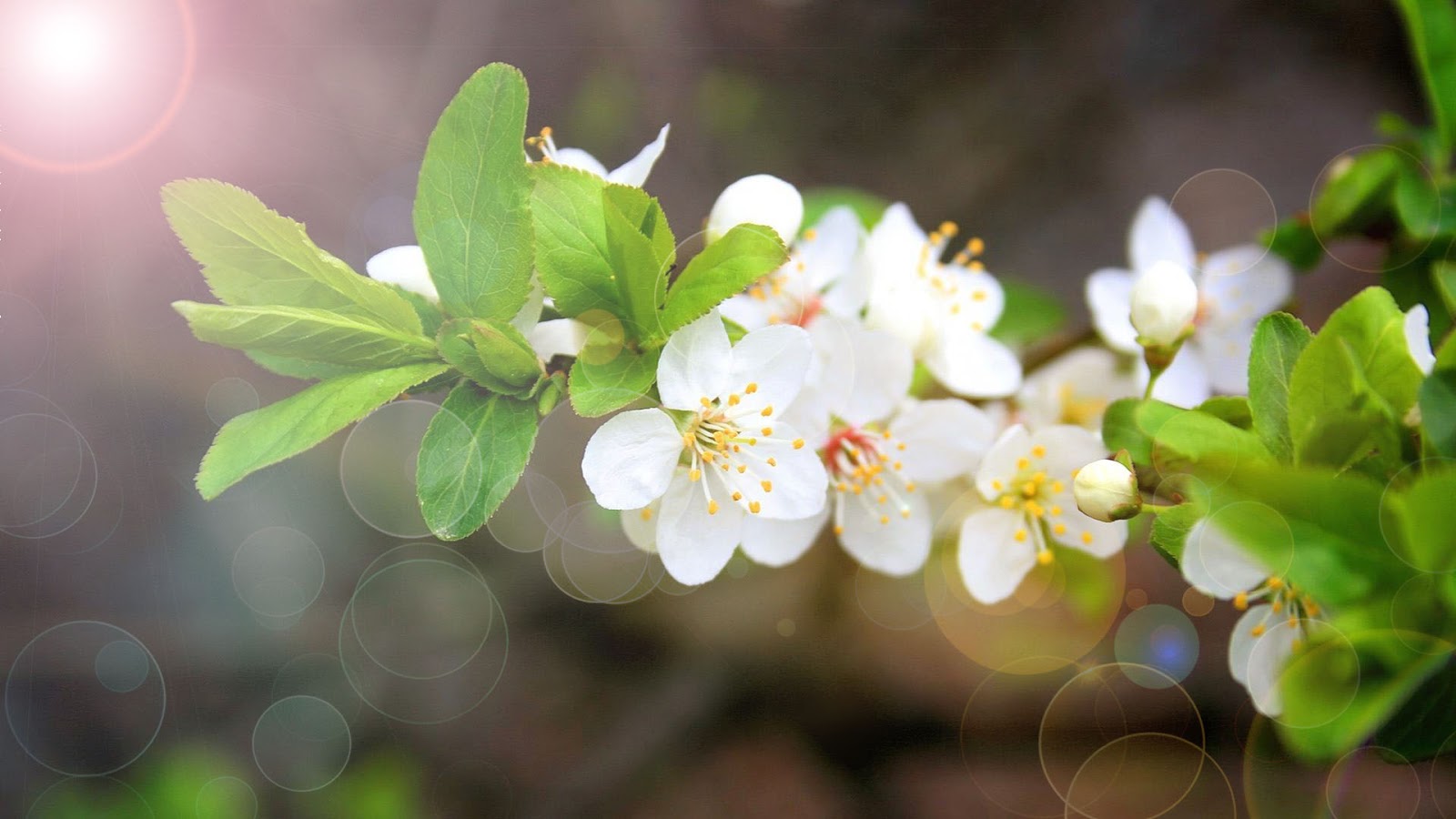
Step 4
- Now Create new layer (Ctrl+Shft+N).
- Paint background with brown color.. (Shft + F5 ---> color ---> select brown color ---> OK)

- Make this layers mode to Screen.
- similar way make a new layer again and fill it with pink color, and set its mode to Screen.. and make the opacity of pink layer to 30%..
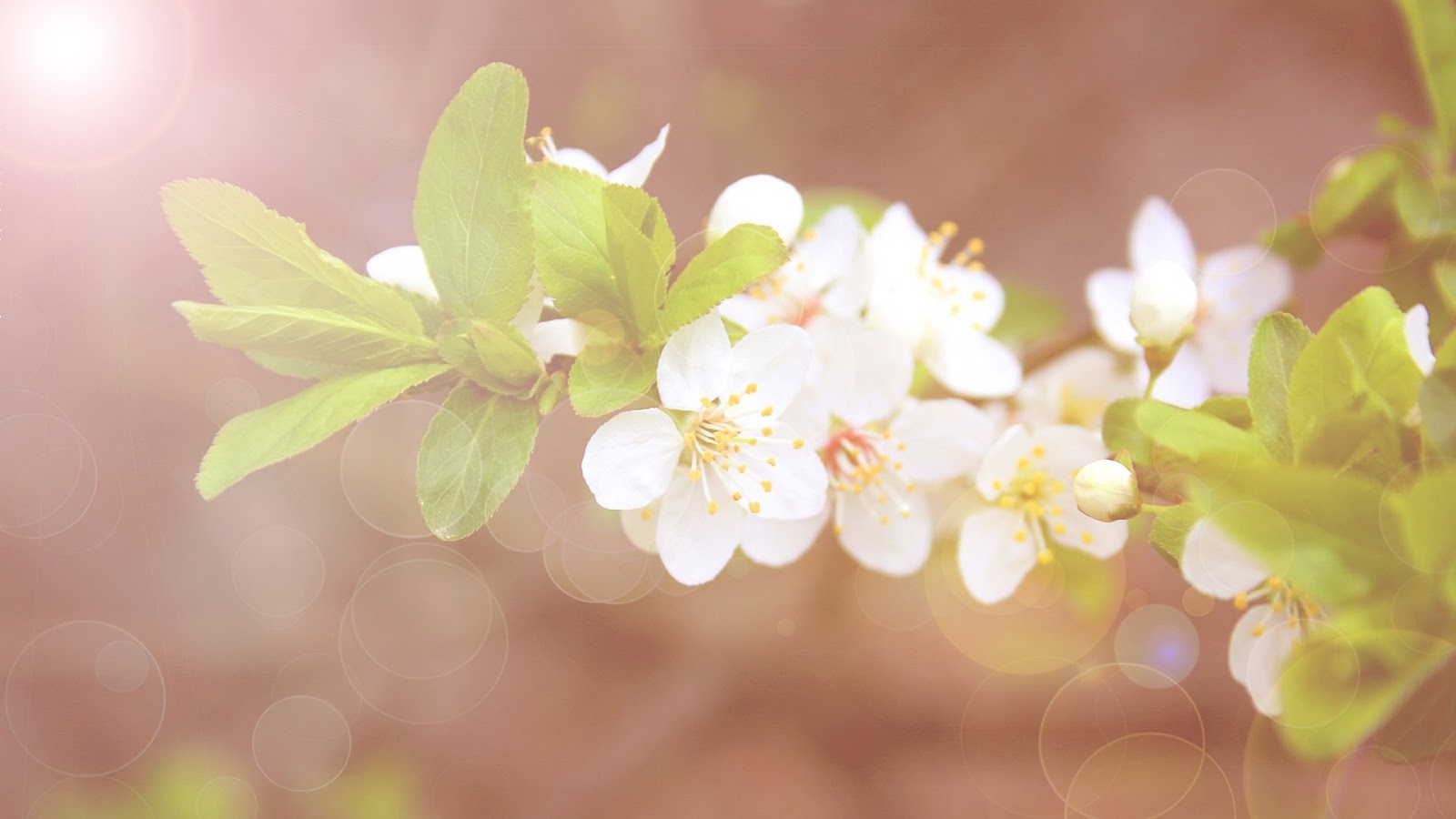
Done...!!

Subscribe to:
Posts (Atom)


- Follow Us on Twitter!
- "Join Us on Facebook!
- RSS
Contact