Showing posts with label magazine. Show all posts
Showing posts with label magazine. Show all posts
Wednesday, April 29, 2015
2012,
digitalarts,
get,
magazine,
september
0
comments
Get DigitalArts Magazine September 2012

Digital Arts - comprehensive coverage of the art of graphic design, 3D, animation, video, effects, web and interactive design. Digital Arts is the UKs leading resource for creative professionals. igital Arts addresses the needs of those within the exploding digital media market by providing relevant and forward thinking content, and by consistently running more exclusive reviews and features than any other magazine in the market.
Get Digital ART new: http://iluly.net/1nb

Wednesday, April 1, 2015
a,
book,
cover,
create,
magazine,
or,
retro,
style
0
comments
Create A Retro Style Book OR Magazine Cover
Create A Retro Style Book OR Magazine Cover
We see previously that how to create a simple Magazine cover. Here we can see a very simple but attractive retro style magazine cover making only in few steps..
Final view

Step 1:
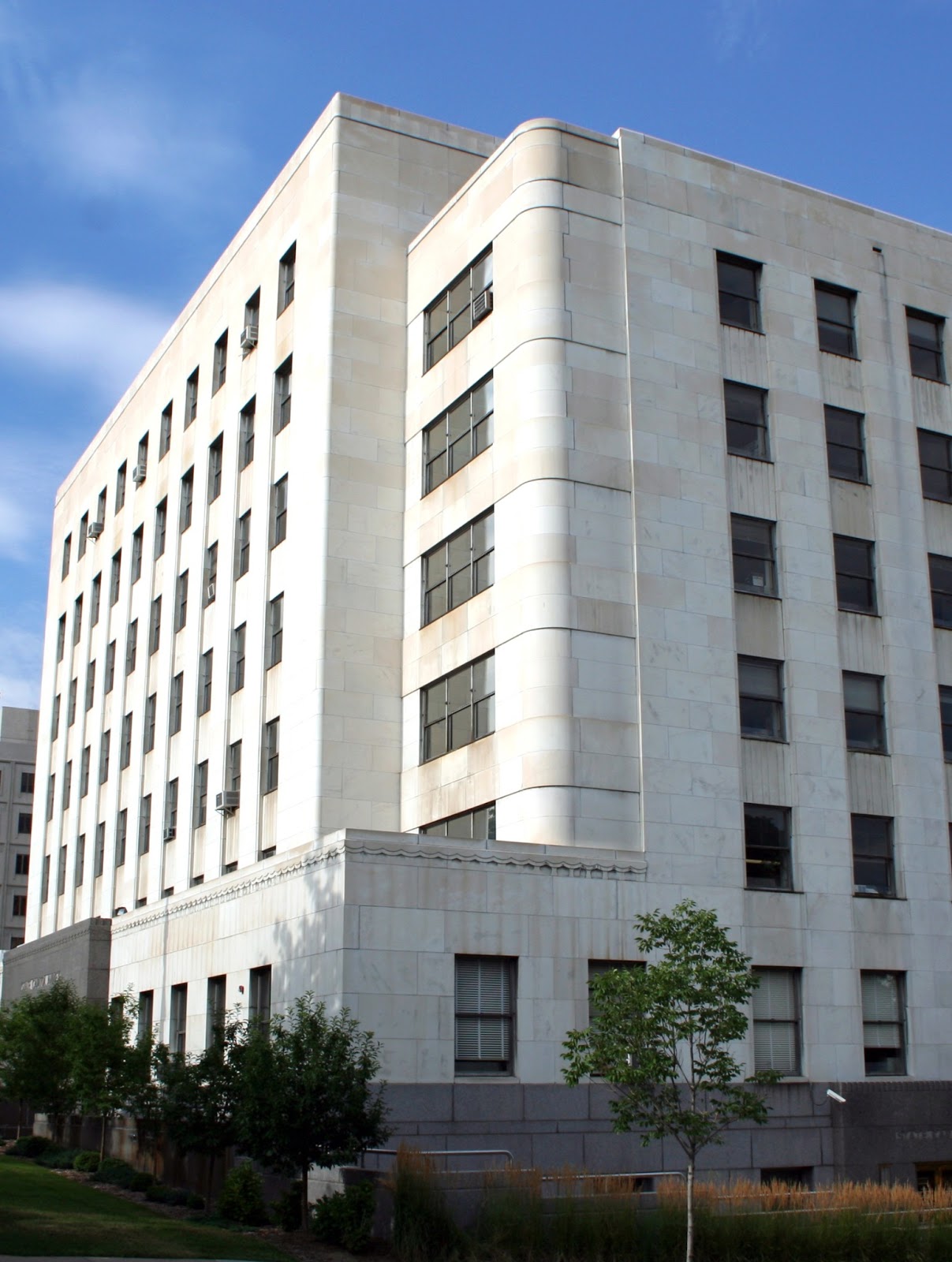
Create new file and get your content related photo as a background.. Ive make a architects magazine cover so I choose a Building photo..
( Click Here to take this image )
.jpg)
Make a new layer (Ctrl_Shft+N)
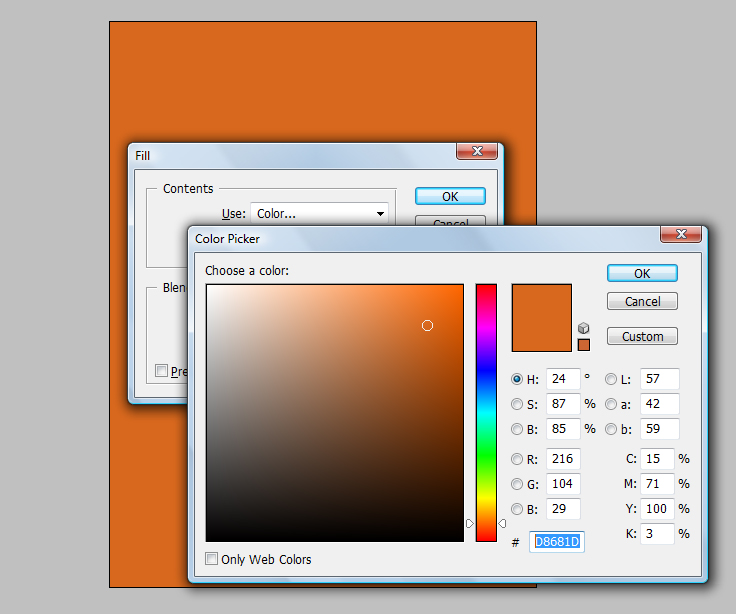
And fill the background with "#D8681D" color. (Shft+f5)
Step 3:
Now download some vector buildings from google..
and take them in the project.. Ive choose one vector building..

Create new file and get your content related photo as a background.. Ive make a architects magazine cover so I choose a Building photo..
( Click Here to take this image )
And fill the background with "#D8681D" color. (Shft+f5)
Make the opacity of layer to 85% - 90% .
Step 2:
Now select your font (Use Slandered fonts used for cover design) and add title and subtitle.
Remember that Title has larger font size than Subtitle.

Step 2:
Now select your font (Use Slandered fonts used for cover design) and add title and subtitle.
Remember that Title has larger font size than Subtitle.
Step 3:
Now download some vector buildings from google..
and take them in the project.. Ive choose one vector building..
Make this Layer property to "Multiply"

Done..!!
Saturday, March 28, 2015
but,
cover,
immpresive,
magazine,
simple
0
comments
Simple But Immpresive Magazine Cover
Making Simple Magazine Cover
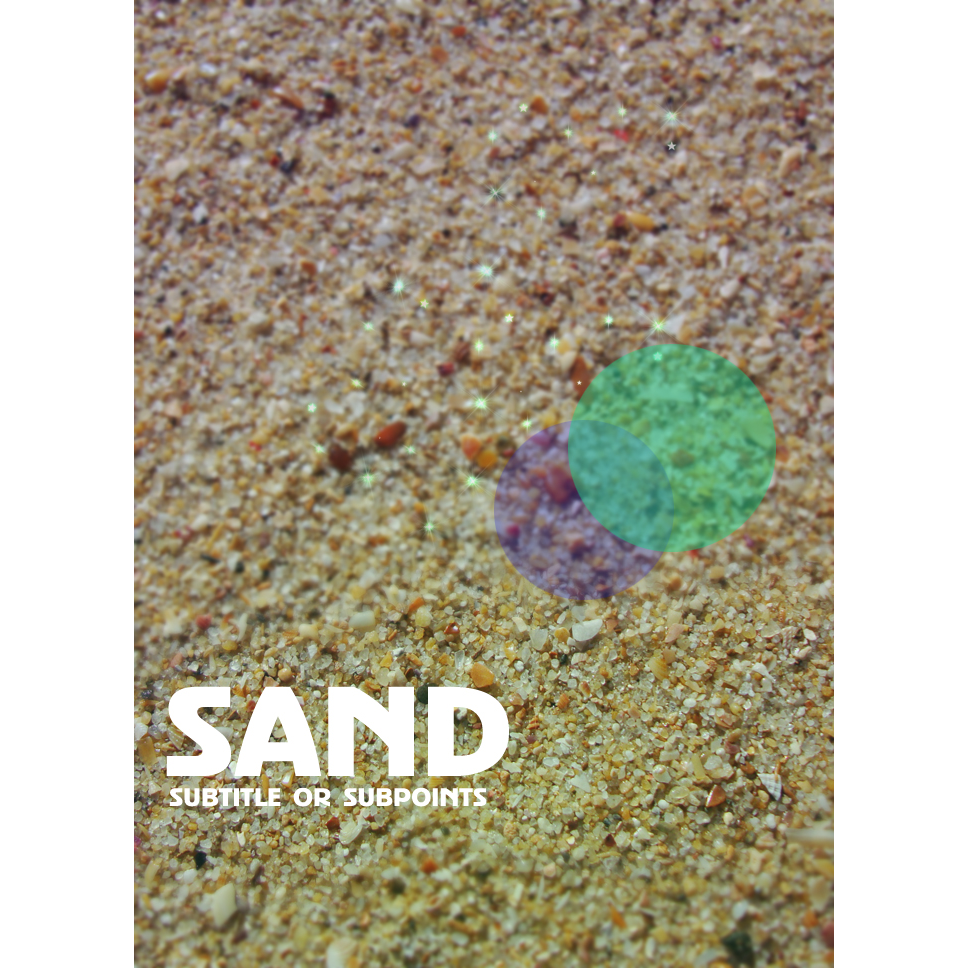
Final view
Step 1:
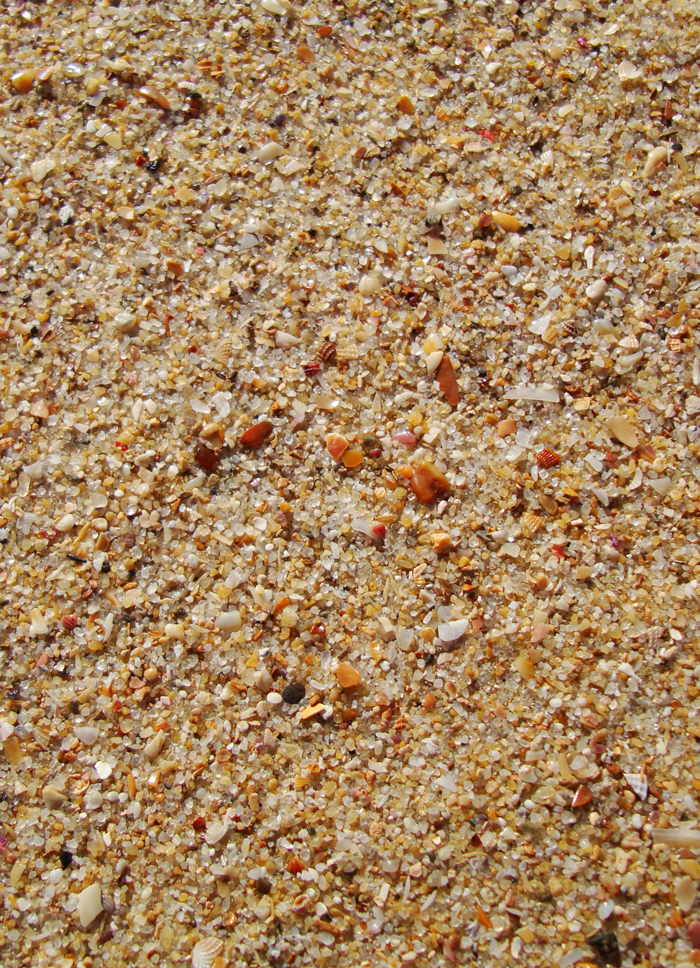
Choose photo for background.
Choose photo for background.
Step 2:
Select the Blur tool from tool box and blur some area.
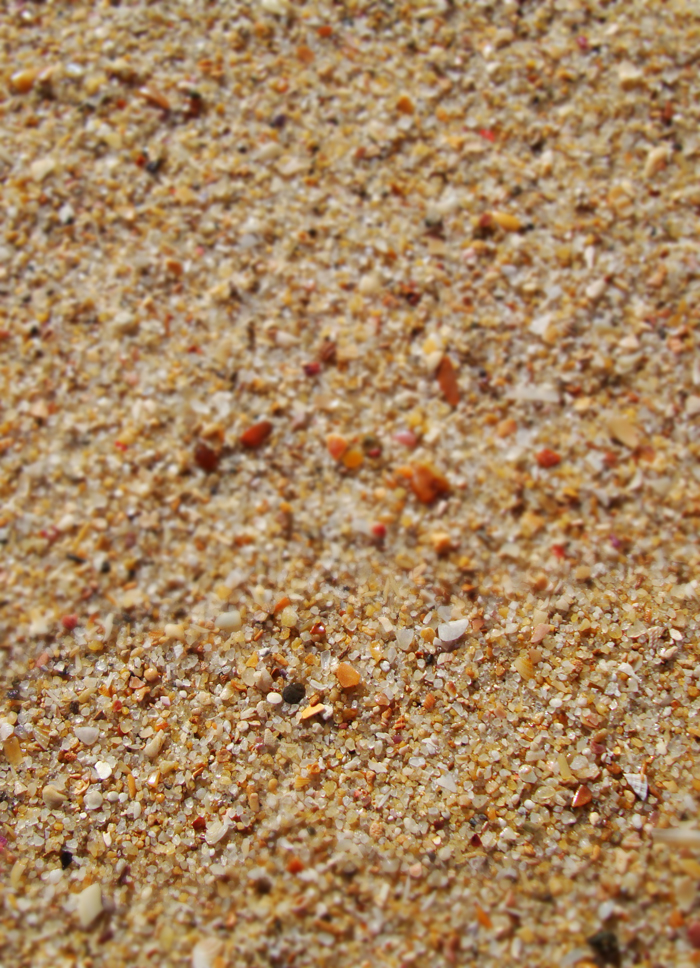
Step 3:
Now select Horizontal Type Text Tool and add magazine cover title and subtitle.
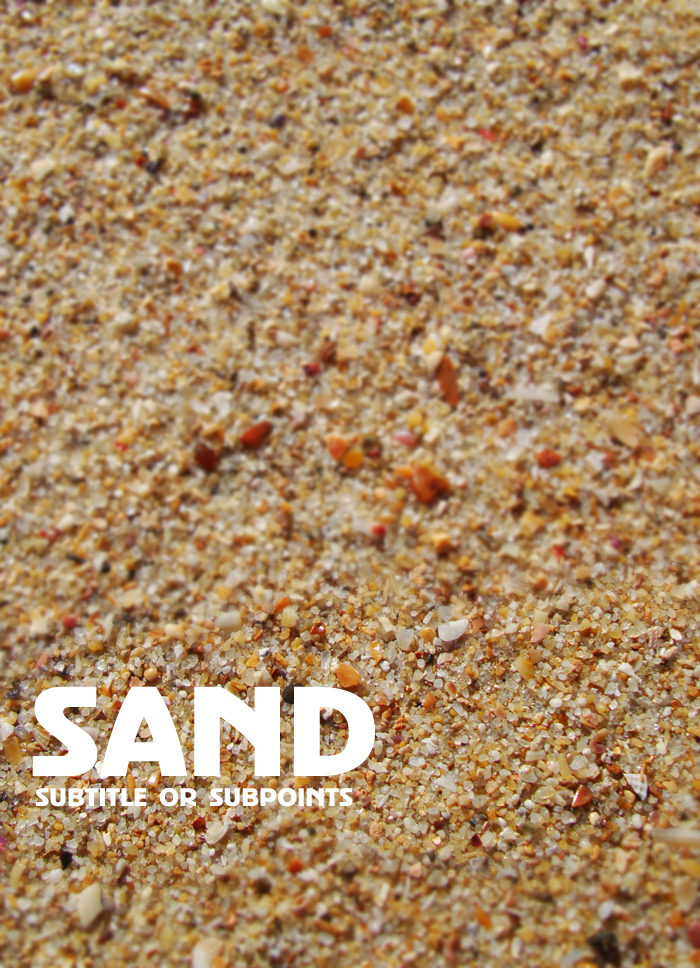
Step 4:
Now Make a new layer (Ctrl+Shft+N).
Select Elliptical Marquee tool and drag cursor on layer.
Now Make a new layer (Ctrl+Shft+N).
Select Elliptical Marquee tool and drag cursor on layer.
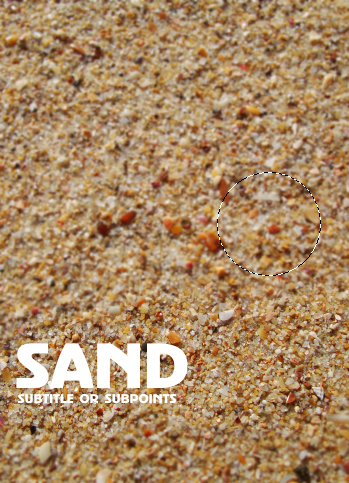
Press Shft+f5 (color fill). and fill color.
fi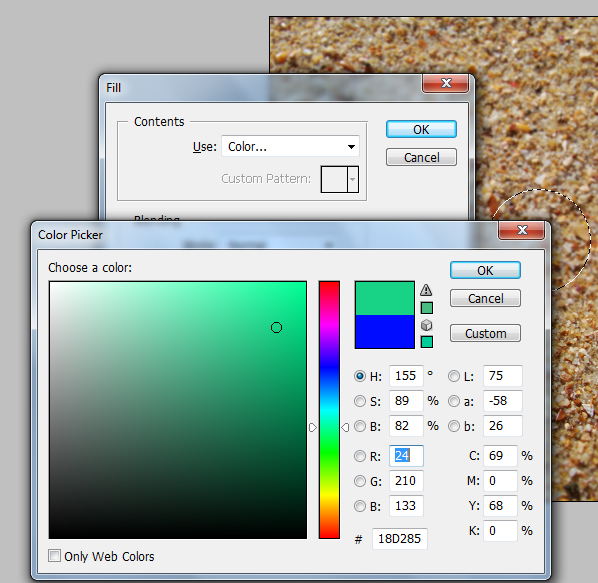
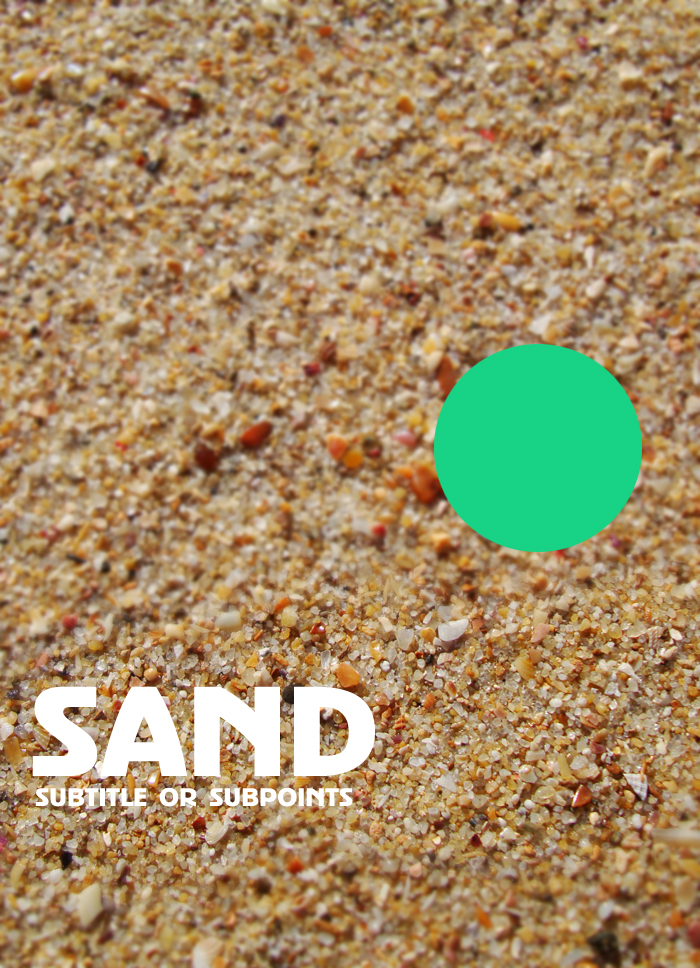
Make the layer opacity to 50% to 60%.
Again make a new layer ---> select Elliptical marquee tool ---> draw a circle --> fill it with different color(Shft+f5) ---> and make opacity to 50%.
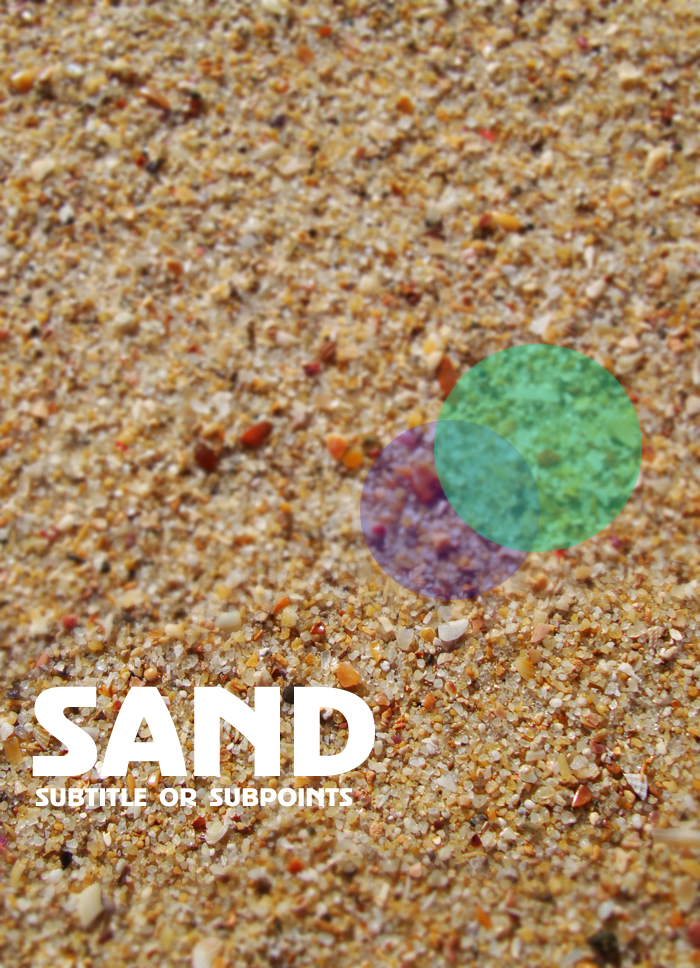
Step 5:
Make a new layer above the background layer(Ctrl+Shft+N).
Select Gradient Fill tool and select the two colors which you are selected for the two circles.
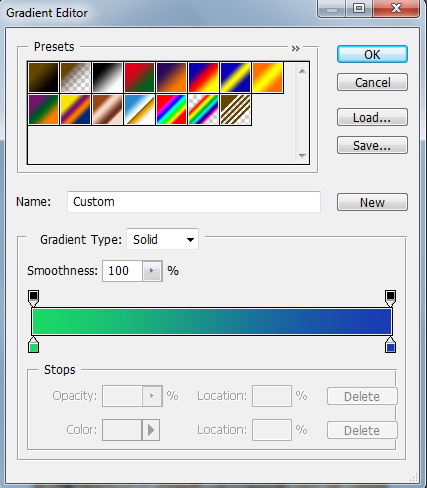
Drag the pointer on layer and make the opacity of the layer to 30%.
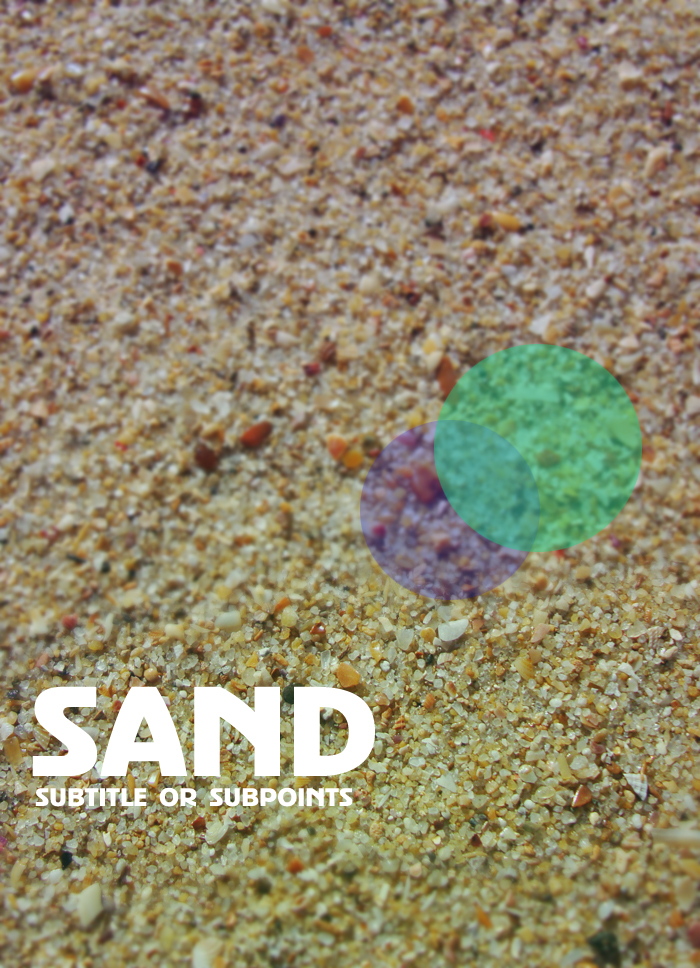
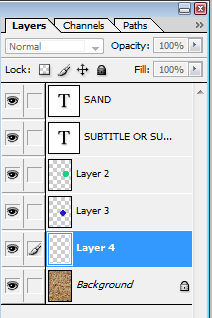
Now select Brush tool and drop some stars on new layer.
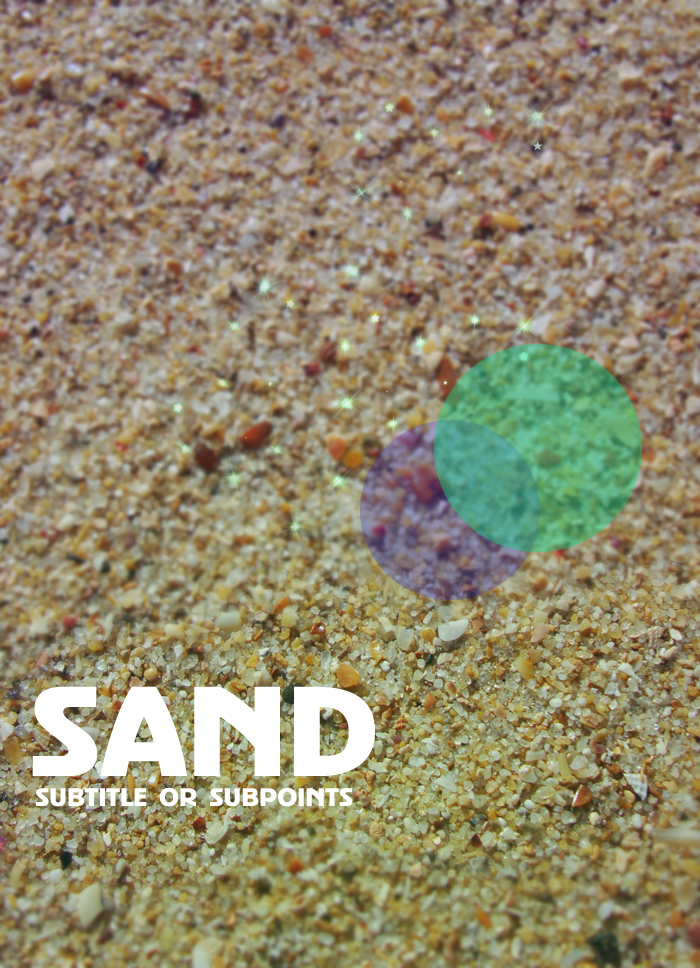
Done..!!
Monday, March 16, 2015
effect,
fashion,
magazine,
photo,
style
0
comments
Fashion Magazine Style Photo Effect
Start by opening an image of a model.

Duplicate the layer and press Ctrl+Shift+U to desaturate.

Change the color mode to screen.


Duplicate the layer.

Press Ctrl+U to open hue/saturation window. Apply settings as shown.


Read more »
Duplicate the layer and press Ctrl+Shift+U to desaturate.
Change the color mode to screen.
Duplicate the layer.
Press Ctrl+U to open hue/saturation window. Apply settings as shown.
Subscribe to:
Posts (Atom)


- Follow Us on Twitter!
- "Join Us on Facebook!
- RSS
Contact