Showing posts with label photoshop. Show all posts
Showing posts with label photoshop. Show all posts
Photoshop Tutorial PDF
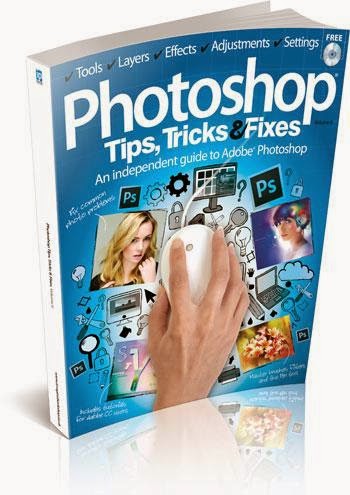
1. Photoshop Tips, Tricks and Fixes - Vol.6, 2014
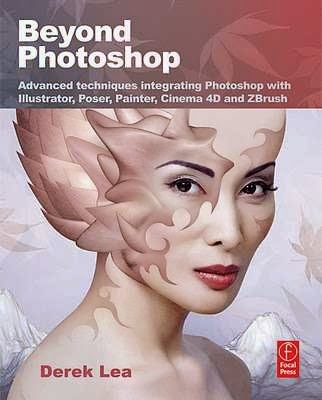
2. Beyond Photoshop Advanced Techniques
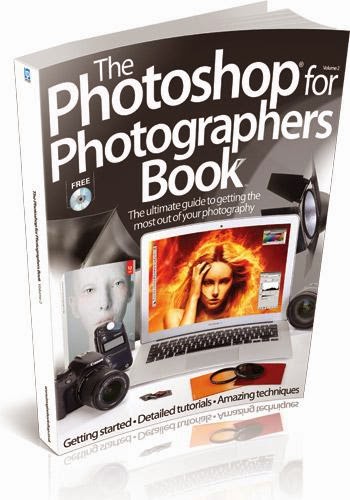
3. Photoshop For Photographers Book
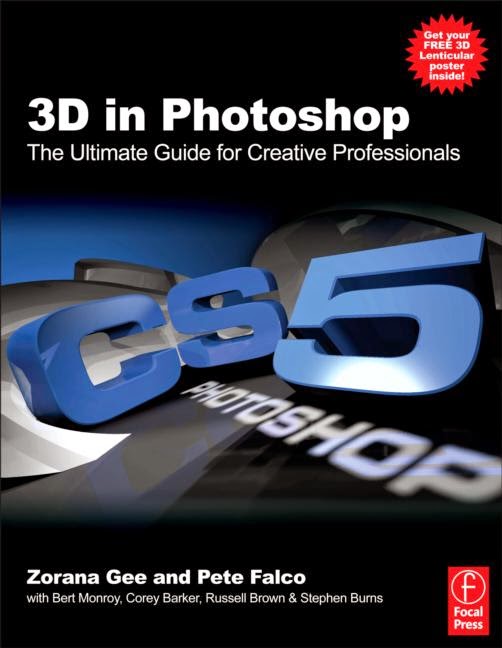
4. 3D in Photoshop The Ultimate Guide for Creative Professionals
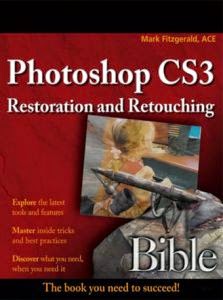
5. Photoshop CS3 Restoration and Retouching Bible
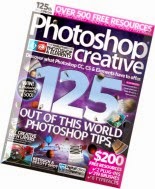
6. Photoshop Creative - 125

Thursday, June 11, 2015
2014,
6,
and,
fixes,
photoshop,
tips,
tricks,
vol
0
comments
Photoshop Tips Tricks and Fixes Vol 6 2014
Photoshop Tips, Tricks and Fixes - Vol.6, 2014
Product Description
In this bookazine...
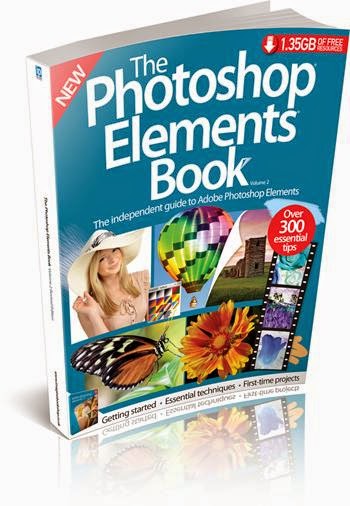
An independent guide to Adobe Photoshop
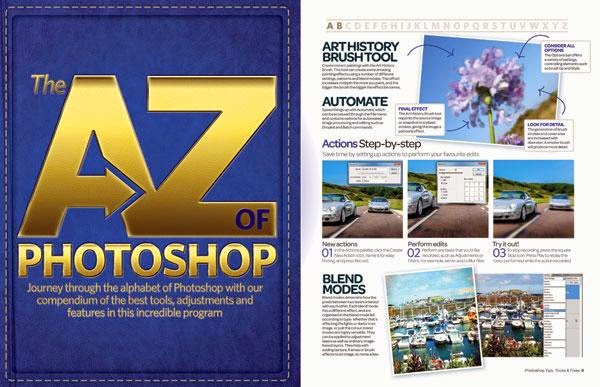
A-Z of Photoshop
- Journey through the alphabet of Photoshop with our compendium of the best tools, adjustments and
features in this incredible program.
Tips
- Bitesize information and detailed tutorials on getting more out of Photoshop
Tricks
- In-depth tutorials helping you to get more creative with your photo projects
Fixes
- Restore photos, enhance colours, retouch portraits and much more
Also inside...
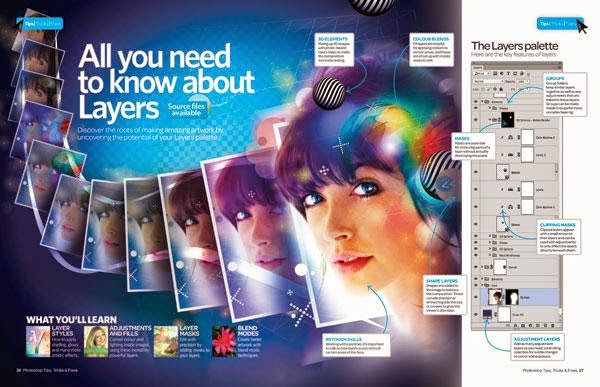
- All you need to know about Layers
- Use levels & curves histograms
- Use Refine Edge for perfect selections
- Understand Quick edits
- Master Content-Aware options
- Match colour in different images
- Understand image resolution
- The Magic Wand
- Understand 3D essentials
- Use Wet Media brushes
- Get to grips with the Pen Tool
- How to use textures
- Use the Sponge tool
- 5 Fantastic projects for filters
- Conquer layers and masks
- Build a new landscape
- Use Warp for creative edits
- Recreate long exposure
- Create your own jigsaw
- Get the oil-pastel look
- Learn to retouch any image
- Restore old photos
- Boost your colours
- Improve your exposures
- Whiten teeth and eyes
- Fix your smartphone photos

Friday, May 22, 2015
awesomeness,
elements,
folders,
in,
of,
organizer,
photoshop,
watch
0
comments
Awesomeness of Watch Folders in Photoshop Elements Organizer
Watch Folders : This functionality is a little hidden in Elements Organizer (File>Watch Folders) and not many know about it usefulness. It is one quick way to get media into your Organizer catalog without bothering about manually importing into it.
To use it, just make the parent folder (of all your photo folders) as the watch folder and it auto imports the media into your Organizer catalog. As soon as any new picture is added to your watch folder in windows explore or to any child of your watch folder, it would be auto-imported to your Organizer catalog.
For example, mostly all my pictures are dumped to one of following three folders (shown in screenshot). So i have made all three as my watch folders. Hence I never need to import any media to my Organizer catalog.
Awesomeness is added if you say exchange photos or receive photos through dropbox. You can add dropbox as your watch folder. Hence all media comes to your Organizer catalog automatically.

I find this feature very useful as it saves a lot of my time. The dropbox idea was shared by one of the Elements user(Thanks Mellissa) and I really found it useful. So just thought to share this tip with everyone!
Thursday, May 14, 2015
beginner,
for,
photoshop,
tutorials,
x6
0
comments
Tutorials Photoshop x6 for Beginner
Tutorials Photoshop x6 for Beginner (Part 1)
1 - Getting Started


2 - Basic Editing


3 - Interface Introduction


4 - All Selection Tools

5 - Brushes-_Painting





06 - Masking
07 - Color Filling
08 - Transformations

09 - Cool Selection Technique

10 - Resolution Explanation

Tuesday, May 12, 2015
book,
for,
photographers,
photoshop
0
comments
Photoshop For Photographers Book
Photoshop For Photographers Book
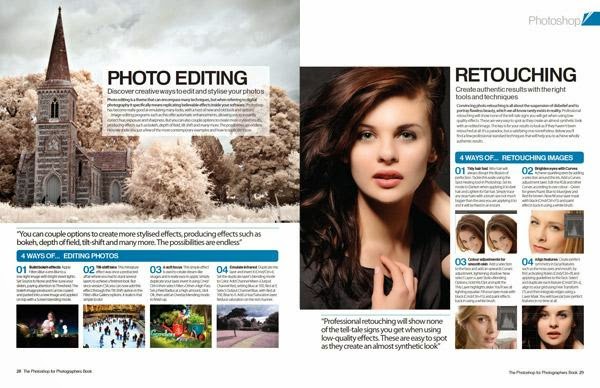
Get the most out of your photography by mastering Photoshop’s essential tools, filters and features with Photoshop for Photographers’ easy-to-follow step-by-step tutorials. This bookazine has 228 pages

Portrait
- Retouch your people pictures to perfection.
Landscape
- Produce and edit your best ever landscapes.
Black & White
- Create monochromatic masterpieces.
Architecture
- Shoot and edit beautiful buildings from around the world.
Also inside...
Ultimate guides
- The ultimate guide to Photoshop
- The ultimate guide to photography
Portrait
- Perfect portraits on location
- 20 great tips for portrait photographs
- Master the Clone Stamp tool
- Use the Refine Edge tool
- Turn a photo into a sketch
- Photomontage your photographs
- Clone composites
- Fake a light leak
- Remove red-eye
Landscape
- Shoot stunning landscape photos
- 20 great tips for landscapes
- Fix exposure
- Build a new landscape
- Get the Lomo look
- Edit your photographs with histograms
Black & White
- Master monochrome photography
- 20 great tips for black and whites
- Convert images to black and white
- Get a classic effect with gradient maps
- Hand tint black-and-white images
- Emphasise the eyes
- Achieve high-key effects
Architecture
- Master architecture photography
- 20 great tips for incredible interiors
- Fix barrel distortion with Lens Correction
- Edit colours with the Photo Filter tool
- Make a silhouette
- Create line art
- Get sketching
Macro
- Capture striking macro shots
- 20 great tips for photographing flowers
- Merge textures and photos
- Make a magic selection
- Make a macro mosaic
- Rescue dull shots with Brightness/Contrast
Wildlife
- Capture perfect wildlife pictures
- 20 great tips for wildlife
- Master the lighting effects filter
- Capture perfect pet portraits
- Design animal hybrids
Low light
- Perfect low-light photographs
- 20 great tips for low light
- Add drama with Dodge and Burn
- Blend the light
- Fake a star trail
- Set off some digital fireworks
- Create a sunset using gradient maps
- Fix noise with the Reduce Noise filter
Still life
- Paint with light
- 20 great tips for still-life photography
- 20 great tips for photographing food
- Re-create realistic shadows
- Experiment with Masks
- Inject a new colour
Travel
- Document the streets
- 20 great tips for travel captures
- Transform a cityscape
- Paint a travel photograph
- Control HDR with layers
- Create a wood effect painting
Creative
- Create a comic book effect
- Produce smoke art
- Add impact to your photos
- Miniaturise your photos
- Fake a motion blur
- Add a fisheye effect to your shots
- Turn photos into 3D images
- Make a vintage travel poster
- Add a retro filter to your shots
Free with this bookazine...
- The ultimate creative tools to help you learn Photoshop.
- All the tutorial files you need.
- Video guides from the pros
- 30 creative stock images

Monday, May 11, 2015
2,
beginner,
for,
part,
photoshop,
tutorials,
x6
0
comments
Tutorials Photoshop x6 for Beginner Part 2
Tutorials Photoshop x6 for Beginner (Part 2)









Subscribe to:
Posts (Atom)


- Follow Us on Twitter!
- "Join Us on Facebook!
- RSS
Contact